

Slack
Slack

.png)
🚀 Run Meta ads directly inside Slack. No dashboards, no switching tabs.

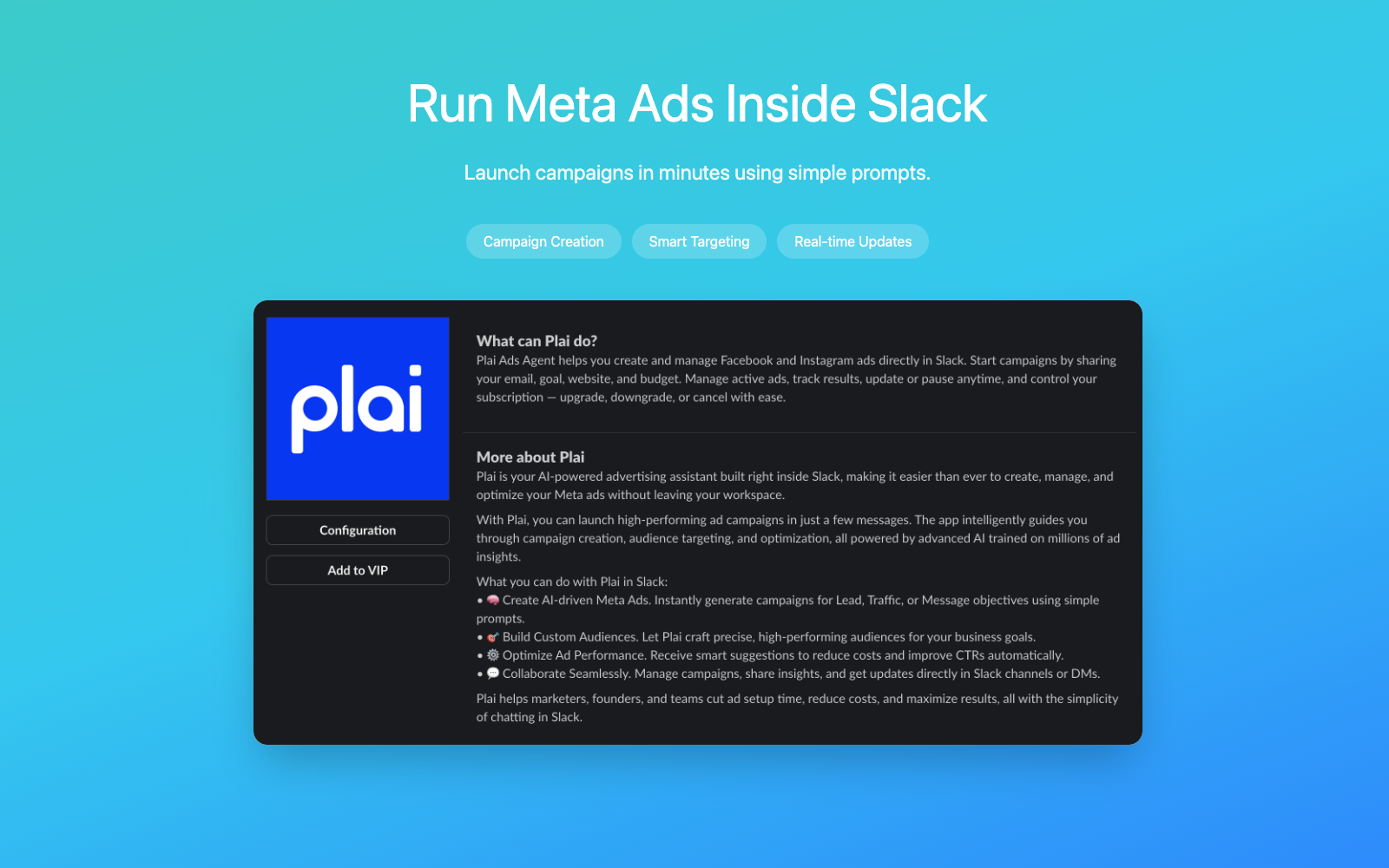
Plai lets you launch high-performing Facebook & Instagram campaigns using simple chat prompts. Share your goal, audience, and budget, and Plai builds the campaign for you in seconds.
Track results, get optimization suggestions, and pause or update campaigns all from the same Slack channel where your team already works.
Perfect for marketers, founders, and teams who want to move faster with fewer tools.
How it works:
1. Install & Onboard. Click the "Add to Slack" button to install Plai to your workspace. Your user profile is created automatically upon installation.

2. Start Your Free Trial. To unlock AI ad creation, send any message to the bot (e.g., "Hi" or "Create an ad"). Plai will provide a secure link to activate your 7-Day Free Trial.
3. Connect Ad Accounts. Before running ads, type: "Connect my ad accounts". Plai will generate a secure link for you to authorize your Facebook ad accounts.
4. Create a Campaign. Launch ads using natural language. Try these commands:
"Create a traffic campaign for [https://example.com] with $50 budget"
"Create a lead generation campaign for my real estate business"
"Create a message engagement campaign targeting Instagram users"
5. Analyze Creatives. Simply upload an image to the chat. Plai's AI will analyze it and provide feedback on its suitability for ad creatives.
6. Manage & Optimize. Use these quick commands to manage your marketing:
"Show my campaigns" – List all active ads.
"Show campaign insights" – View real-time performance data.
"Fetch my ad images" – Browse your existing media library.
"Subscription details" – Manage your billing settings.


